
Professional Virtual Flute Simulator
Experience the majestic timbre of a silver concert flute. Play effortlessly with an interactive mechanical key system right in your browser.
Concert Timbre
Enjoy the bright, clear, and penetrating sound characteristic of a premium silver-plated transverse flute.
Mechanical Keys
Watch the intricate pad keys press down mechanically as you navigate through different octaves and notes.
Zero Latency
Powered by advanced Web Audio API synthesis for immediate response, perfect for fast trills and rapid passages.
How to Play the Online Flute?
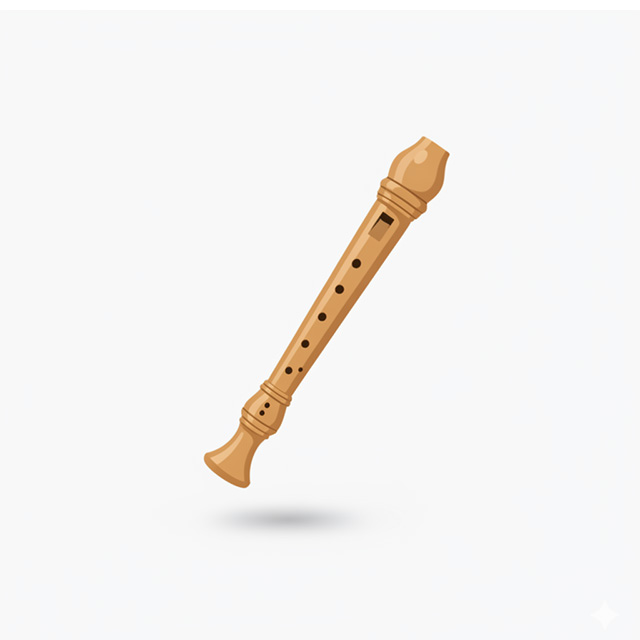
Unlike a recorder, a concert flute is played transversely (horizontally) and uses a complex system of closed and open mechanical keys. Our simulator maps these notes directly to your computer keyboard for seamless playback.
- Natural Notes (C Major Scale): Use the bottom row of your keyboard. Press Z, X, C, V, B, N, M, ,, . to play the scale from C5 to D6.
- Sharp Notes: Use the middle row of your keyboard. Press S, D, G, H, J, L to access the sharps (C#5, D#5, F#5, G#5, A#5, C#6).
- Touch Devices: Simply tap the virtual keys on the screen. Multi-touch is fully supported for playing chords or fast scales!
Your Orchestral Soloist
The flute is often the shining star of the woodwind section. Whether you are learning fingering basics or composing new melodies, our digital flute brings the orchestral experience straight to your fingertips.