
Virtual Instruments

Settings

Appearance
Instruments
READY
✦
L.THUMB
R.THUMB
SLOT 1
?
Click S1-S3 then +COMPOSE to record your own custom song or puzzle melody!
SHARE

Professional 12-Hole Alto C Ocarina Simulator & Harmony Studio

Master full transverse 12-hole Alto C ocarina fingering charts and timeless fantasy adventure melodies directly in your browser. Experience resonant ceramic whistling tones across an extended A4 to F6 range with real-time visual hole guidance and zero-latency sound.

10 Timeless Melodies

Instantly load and play 10 celebrated adventure themes including storm rhythms, ancient echoes, serene hymns, and radiant dawn melodies.

Custom Melody Slots

Compose and record up to 12-note custom musical passages across 3 local memory slots to practice personal tunes and mystery puzzle sequences.

Interactive Step Mode

Follow glowing step-by-step note pills to verify your pitch and rhythm, triggering rewarding harmony-clear milestones upon completion.

How to Play the 12-Hole Ocarina Online?

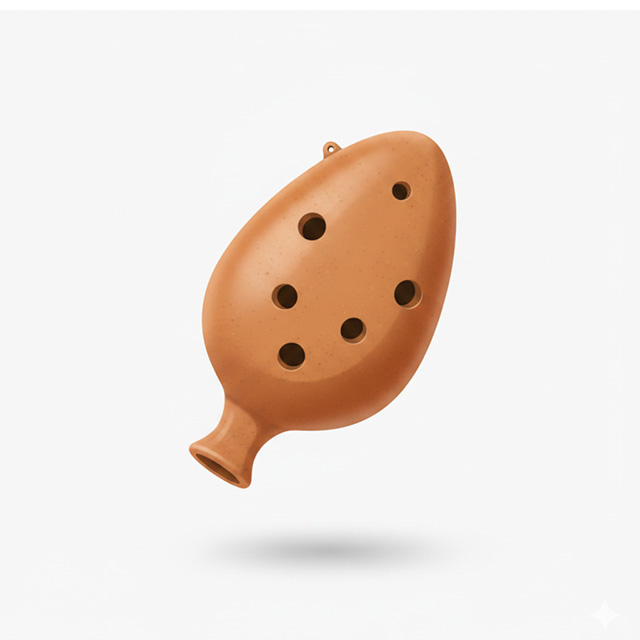
Our online 12-hole Alto C simulator replicates an authentic transverse sweet-potato clay flute, offering a complete 13-note diatonic octave plus sub-hole extensions.

  • Standard 12-Hole & 5-Key Modes: Toggle between the full 13-pitch keyboard layout (A4 to F6) with authentic 12-hole fingerings, or switch to the streamlined 5-key layout for quick adventure melody practice.
  • Real-Time Fingering Feedback: As each note sounds, both thumb holes, the 8 primary tone holes, and the 2 sub-holes highlight in green to demonstrate exact open and closed configurations.
  • Persistent Memory Slots: Save your custom creations into Slot 1, 2, or 3. All compositions remain safely stored in your browser local storage for instant retrieval anytime.

Your Complete Transverse Flute Studio

From practicing delicate folk songs to perfecting extended transverse fingering transitions, this online simulator delivers a rich, realistic ceramic wind instrument experience wherever you are.
More Instruments

6-Hole Ocarina
Wind Instruments

6-Hole Ocarina

Virtual Ocarina
Wind Instruments

Virtual Ocarina

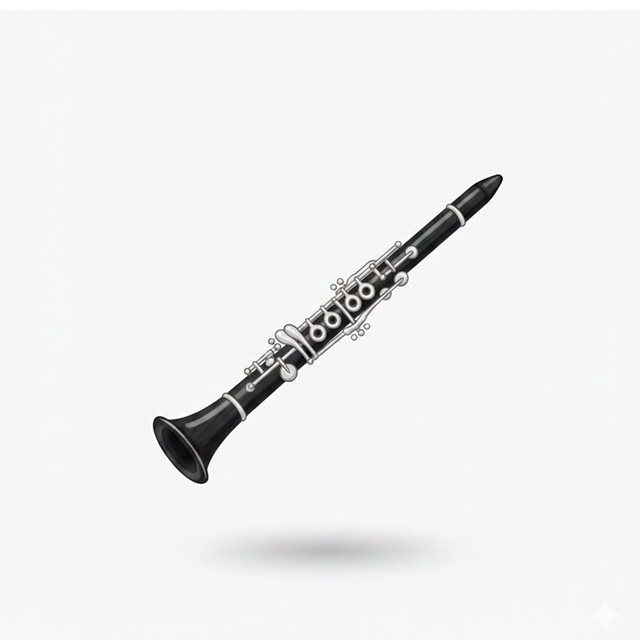
Virtual Clarinet
Wind Instruments

Virtual Clarinet

Pan Flute
Wind Instruments

Pan Flute

Professional Library

Piano virtual
Keyboards

Piano virtual

Virtual Saxophone
Wind Instruments

Virtual Saxophone

Virtual Trumpet
Wind Instruments

Virtual Trumpet

Virtual Guitar
String Instruments

Virtual Guitar

Frequently Asked Questions (FAQ)

Everything you need to know about 12-hole Alto C ocarinas, extended fingering charts, and online practice.

Q: What is a 12-hole Alto C (AC) ocarina?

A 12-hole Alto C ocarina is a transverse vessel flute featuring 10 front tone holes (including 2 small sub-holes for low A4 and B4) and 2 rear thumb holes. It provides a standard range from A4 to F6, making it the most versatile and popular model for classical melodies, folk songs, and fantasy soundtracks.

Q: How do the two small sub-holes work?

The two sub-holes allow the instrument to reach lower notes below the fundamental C5 pitch. Covering the right sub-hole produces B4, while covering both sub-holes along with all main holes produces the lowest note, A4.

Q: How do custom melody slots (S1, S2, S3) work?

Select a slot from S1 to S3, click '+ COMPOSE', and tap keys to record your sequence. The melody is saved automatically to your browser local memory, allowing you to replay or practice along with visual guide steps whenever you return.

Q: What is the difference between a 6-hole and a 12-hole ocarina?

While 6-hole pendant ocarinas rely on cross-fingering to cover a single octave, 12-hole transverse ocarinas utilize a linear finger-lift progression across an extended range of 13 natural notes, offering richer expression and greater musical flexibility.

Q: Can I play this simulator on touchscreens and phones?

Yes, the layout is fully responsive and optimized for low-latency touch controls across iOS, Android, tablets, and desktop computer keyboards.